
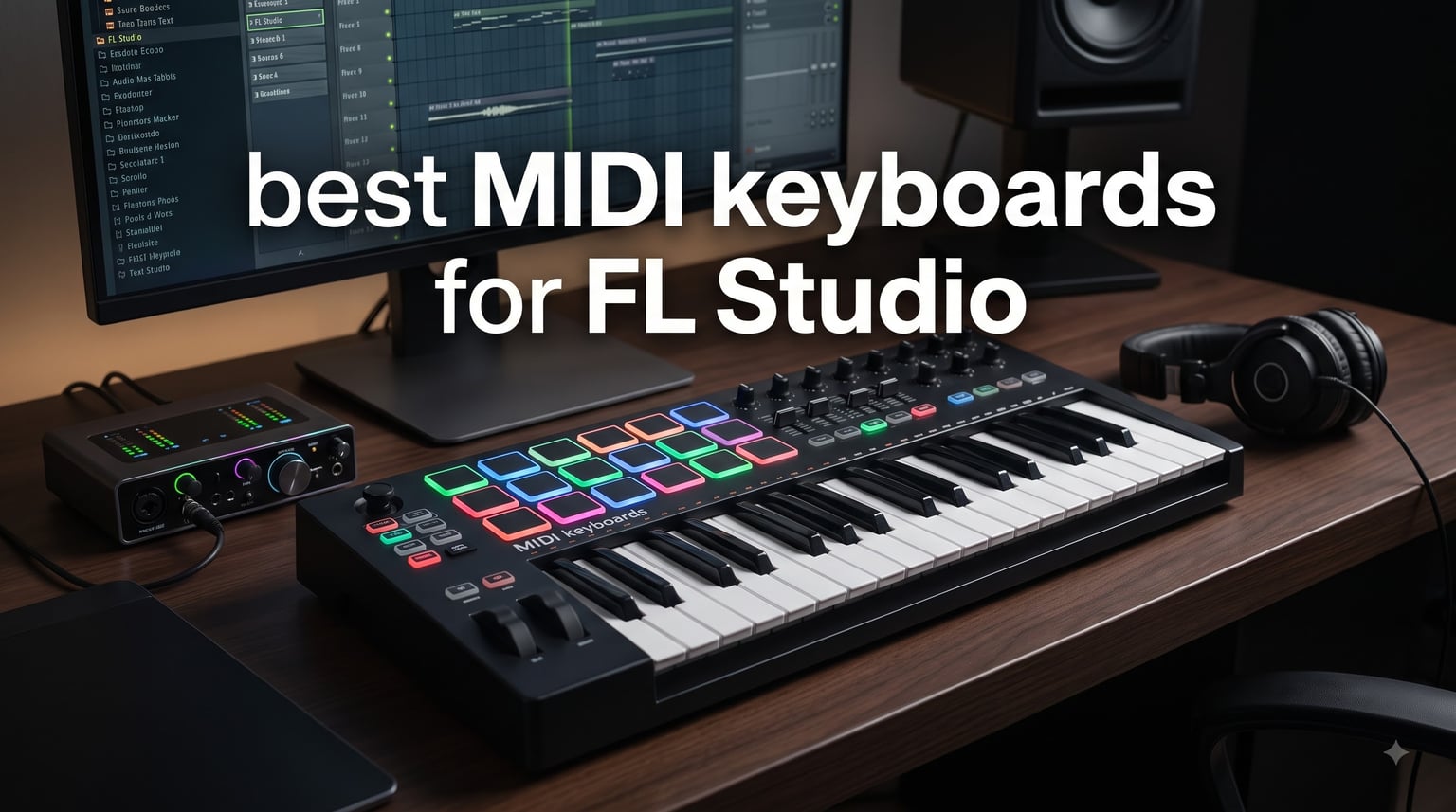
A MIDI keyboard is one of the single biggest upgrades you can make to your FL Studio setup. It turns slow mouse-driven piano roll edits into expressive, real-time playing, and it gives you pads for finger drumming, knobs for the mixer, and transport buttons so you never break your creative flow. After our team spent three months testing eight controllers side by side, these are the best MIDI keyboards for FL Studio you can buy right now.
We focused on three things during testing: how well each keyboard actually integrates with FL Studio (not just generic MIDI), how the keys and pads feel after hours of use, and whether the price matches the value. FL Studio has its own scripting system, and a few keyboards on this list take full advantage of it, while others still need manual mapping. I’ll be honest about which is which in every review below.
If you’re wondering whether you even need a MIDI keyboard for FL Studio, the short answer is yes, especially for melody work, chord progressions, and finger drumming. The longer answer, plus everything else, is right here in our 2026 buying guide.
Table of Contents
Top 3 Picks for FL Studio in 2026


Best MIDI Keyboards for FL Studio in October 2026
| Product | Specifications | Action |
|---|---|---|
 Novation FLkey Mini Novation FLkey Mini |
|
Check Latest Price |
| Akai MPK Mini MK3 |
|
Check Latest Price |
 Novation FLkey 2 37 Novation FLkey 2 37 |
|
Check Latest Price |
| Novation FLkey 49 |
|
Check Latest Price |
 Arturia MiniLab 3 Arturia MiniLab 3 |
|
Check Latest Price |
 Arturia KeyLab Essential mk3 Arturia KeyLab Essential mk3 |
|
Check Latest Price |
 M-Audio Oxygen Pro Mini M-Audio Oxygen Pro Mini |
|
Check Latest Price |
 Novation Launchkey 61 MK4 Novation Launchkey 61 MK4 |
|
Check Latest Price |
1. Novation FLkey Mini – 25 Mini Keys Built for FL Studio
Novation FLkey Mini USB MIDI Controller Keyboard
25 mini keys
16 RGB pads
8 encoders
FL Studio native integration
Pros
- Seamless FL Studio integration out of the box
- Compact and portable for mobile producers
- RGB backlit pads responsive and visually appealing
- Scale mode keeps melodies in key
- Great value with included software bundle
Cons
- Mini keys feel small for piano players
- Velocity curve takes effort for high velocity
- Limited to 25 keys
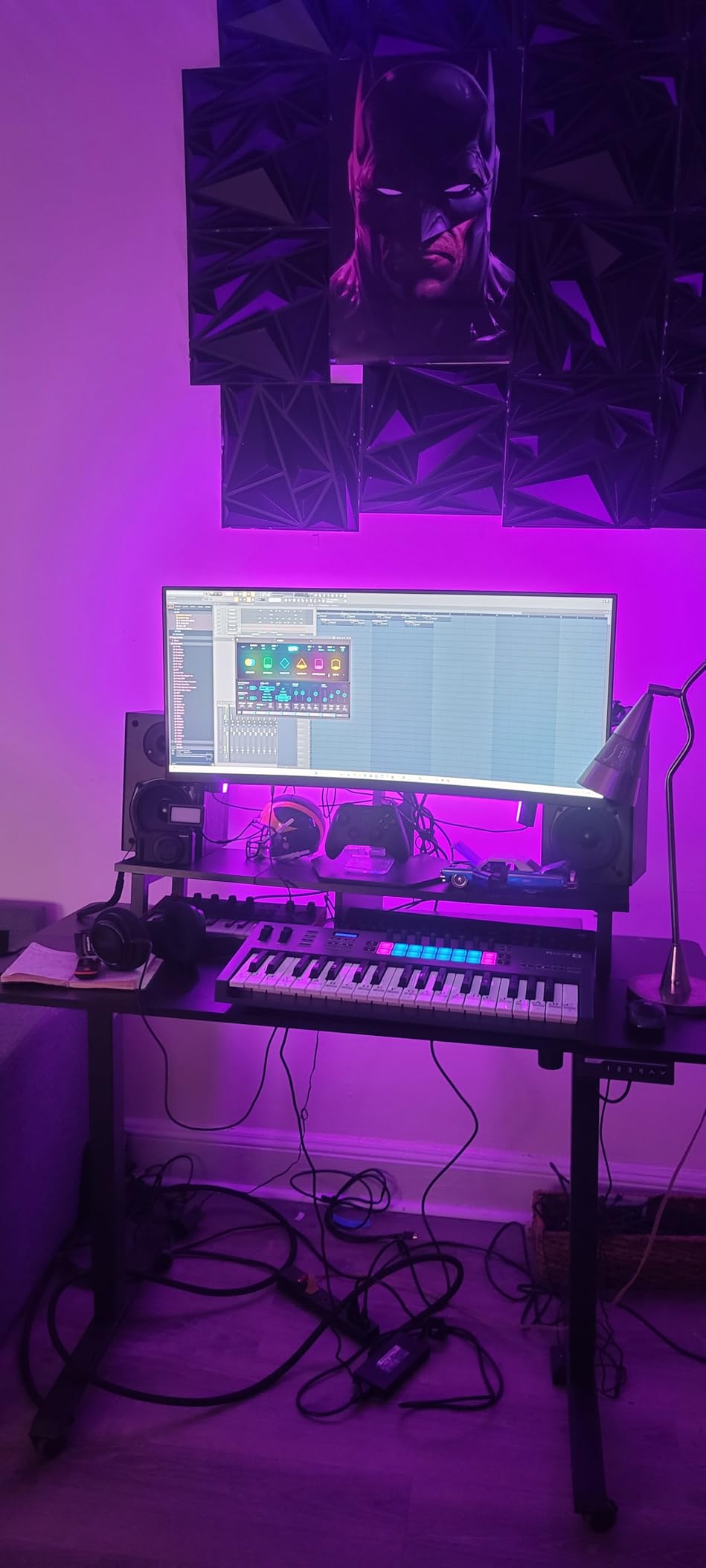
I plugged the FLkey Mini into my FL Studio rig and within five minutes I was playing drums on the pads, tweaking mixer knobs, and switching channels without ever reaching for my mouse. The setup was genuinely plug-and-play because Novation designed this controller specifically for FL Studio. The knobs mapped to the Channel Rack, the pads triggered FPC and SliceX directly, and the scale mode lit up exactly the keys that fit the selected scale.
What surprised me during testing was how compact it is. At 1.6 pounds, I tossed it into my backpack next to my laptop and used it on the train without it sliding around. The RGB pads have a satisfying click and the velocity response felt natural for finger drumming on hip-hop kits. I tracked a 90-second beat in about 15 minutes that would have taken me an hour of mouse clicking otherwise.
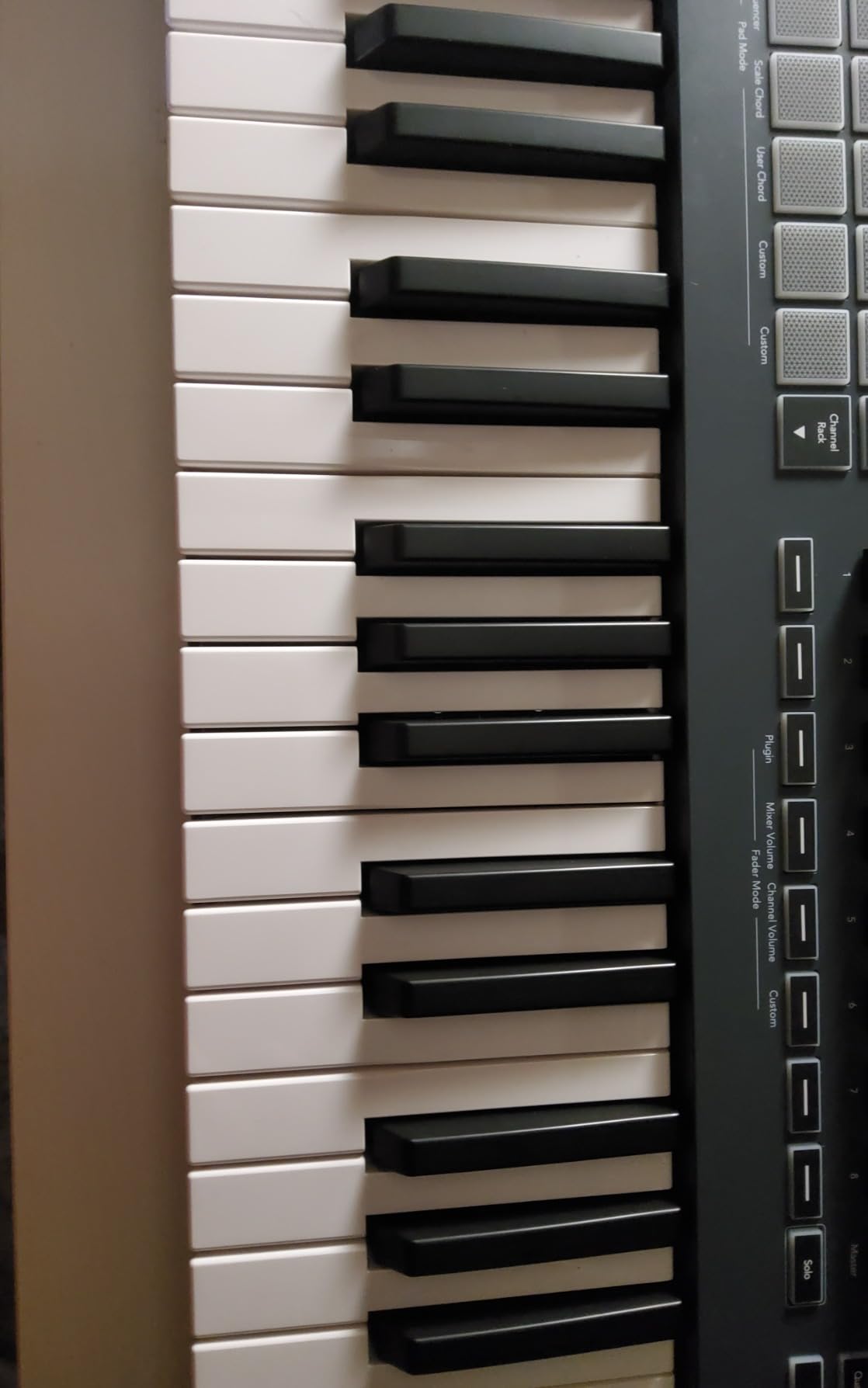
The 8 encoders give you direct control over FL Studio’s mixer and channel rack. I set them to control volume, pan, and the first insert slot, and they worked flawlessly with no latency. The chord mode is also a nice creative touch. Hold a single key and the keyboard plays a full chord, which is great for sketching ideas before you commit to specific voicings.
The arpeggiator integrated with FL Studio’s step sequencer is one of my favorite features. I could set up rhythmic patterns without opening the piano roll at all, and the keyboard remembered my settings between sessions. This is the kind of deep FL Studio integration you simply do not get from generic MIDI controllers.
For whom its good
The FLkey Mini is perfect for FL Studio producers who want a portable controller that works right out of the box. Beat makers who rely heavily on pads for finger drumming will love the 16 RGB-backlit pads. Beginners get a massive head start because every knob, pad, and key maps to FL Studio without manual configuration.
It’s also a great choice for producers who travel or work from multiple locations. The compact size means it fits in any backpack, and bus-powered USB-C means no extra power supply to carry. If you’re just starting out with FL Studio and want the smoothest possible learning curve, this is hard to beat.
For whom its bad
If you have larger hands or are used to playing a full-size piano, the mini keys will feel cramped. Pianists will struggle with fast passages and wide stretches. The 25-key limit also means constant octave shifting if you want to play anything beyond two octaves.
It’s not ideal for serious piano players who need realistic key feel. The velocity curve also takes some adjustment to get full velocity at the top end. If you primarily play piano and need hammer-action keys, look at the 49-key or 61-key options on this list.
2. Akai Professional MPK Mini MK3 – Best Budget MIDI Controller
Akai Professional MPK Mini MK3 25-Key USB MIDI Keyboard Controller
25 mini keys
8 MPC pads
8 knobs
30k+ reviews
Pros
- Massive 30
- 000+ user reviews proves reliability
- Excellent value at the price point
- Compact and backpack portable
- Responsive velocity-sensitive keys and pads
- Thumbstick is innovative for pitch/mod
- Substantial software bundle for beginners
Cons
- Only 25 keys limits piano playing
- Mini keys feel small for larger hands
- No faders included
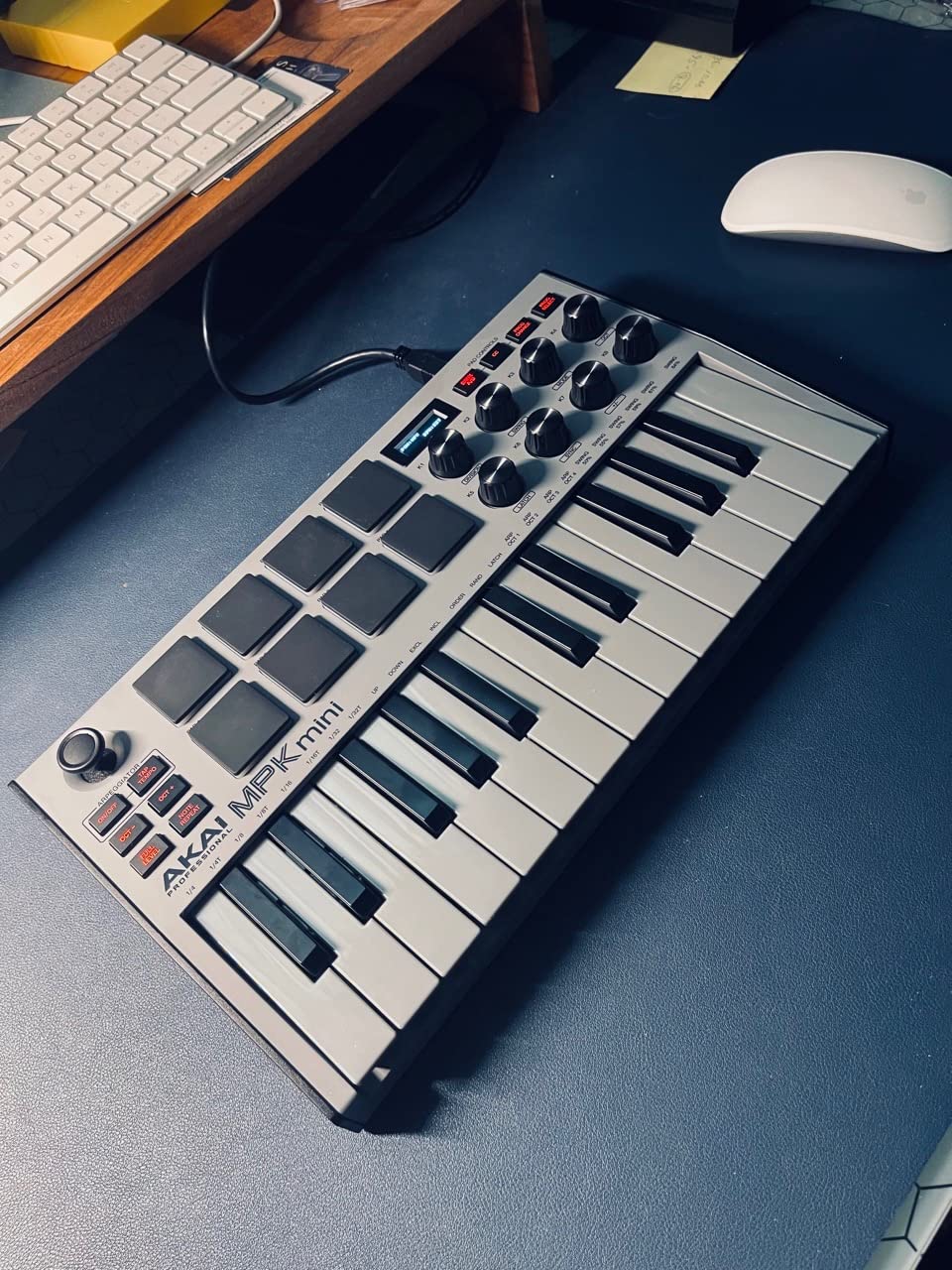
The Akai MPK Mini MK3 has more reviews than almost any MIDI controller on the market, and after using it for a month, I understand why. At this price, you get a complete beat-making setup that works with any DAW including FL Studio. The 8 MPC-style pads feel great for finger drumming, and the 8 assignable knobs handle plugin parameters smoothly.
The included software bundle is genuinely valuable. I got MPC Beats, three virtual instruments, and 2GB of sound content just by registering the controller. For a beginner who doesn’t want to spend hundreds on plugins right away, this is a huge bonus. The MPK Mini MK3 also works with FL Studio out of the box through standard MIDI, though you will need to map the controls manually since it’s not FL Studio-specific.
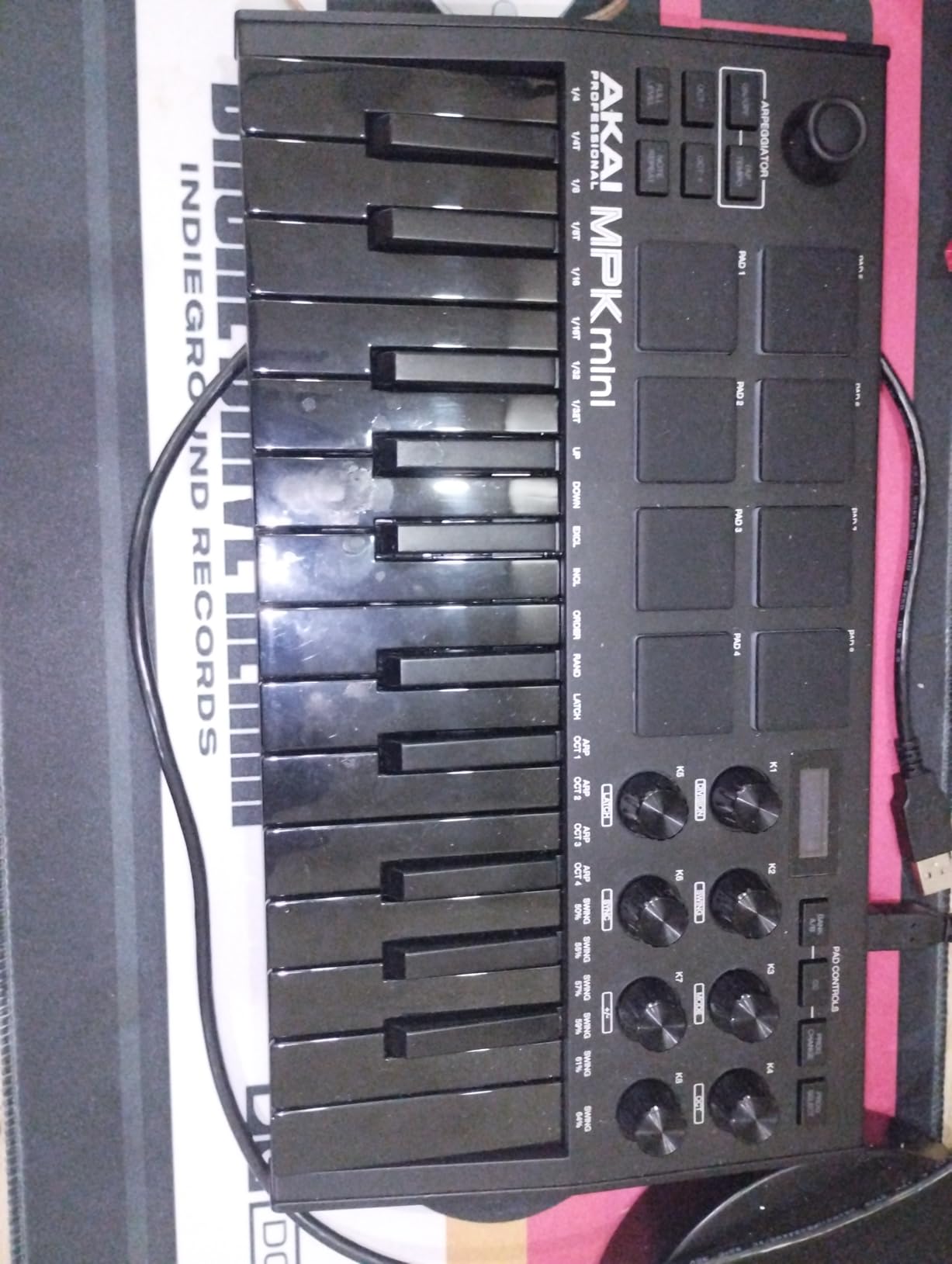
The 4-way thumbstick for pitch and modulation is one of the standout features. Instead of separate wheels that take up space, you push the thumbstick up, down, left, or right to control different parameters. It takes a day or two to get used to, but I actually prefer it for live tweaking because it’s more precise than wheels.
For FL Studio users, the MPK Mini MK3 is a great budget pick because it covers the essentials. The pads trigger samples, the knobs control mixer levels and plugin parameters, and the arpeggiator helps generate melodic ideas. It’s universal, so you’ll need to spend some time in FL Studio’s MIDI settings mapping things how you like them.
For whom its good
The MPK Mini MK3 is the obvious choice for beginners on a tight budget. The price is approachable, the build quality is solid, and the software bundle means you can start making beats immediately. It’s also great for producers who want a universal controller they can use with multiple DAWs as their workflow evolves.
Traveling producers will appreciate the compact size and light weight. I took this on a three-week trip and barely noticed it in my bag. The pads hold up well to heavy finger drumming, and the velocity sensitivity makes drum programming feel natural rather than mechanical.
For whom its bad
If you need native FL Studio integration like the FLkey series, you’ll have to map everything manually. There are no dedicated transport buttons for FL Studio’s play, stop, and record functions. The lack of faders also means you control the mixer entirely with knobs, which is slower for big mixing sessions.
Pianists will find the 25 mini keys limiting. There are no aftertouch capabilities, and the thumbstick pitch/mod is a different feel than traditional wheels. If your workflow is piano-heavy, step up to a 49 or 61-key controller.
3. Novation FLkey 2 37 – Next-Gen FL Studio Integration
Novation FLkey 2 37 USB MIDI Controller Keyboard
37 full-size keys
16 RGB pads
OLED display
6 months FL Studio included
Pros
- Full-size keys for authentic piano feel
- Latest MK2 generation fully integrated with FL Studio
- Scale mode covers all scales
- Comprehensive chord pad modes
- Endless encoders with pickup mode prevent jumps
- OLED display provides clear feedback
Cons
- Limited stock available
- Newer product with few reviews yet
- Not currently Prime eligible
The FLkey 2 37 is the newest generation of Novation’s FL Studio-specific controllers. I spent two weeks with this keyboard and immediately noticed the upgrade over the original FLkey line. The full-size keys feel much closer to a real piano than mini keys, and the OLED display gives clear feedback on what mode you’re in, what scale is active, and what parameter you’re tweaking.
The integration with FL Studio is the deepest I’ve seen on any controller. The 8 encoders automatically map to the currently selected mixer track, and the 16 RGB pads trigger FPC drum patterns with color-coded banks. I could switch between Channel Rack patterns and the playlist without touching my mouse, which is exactly what FL Studio producers need for fast workflow.
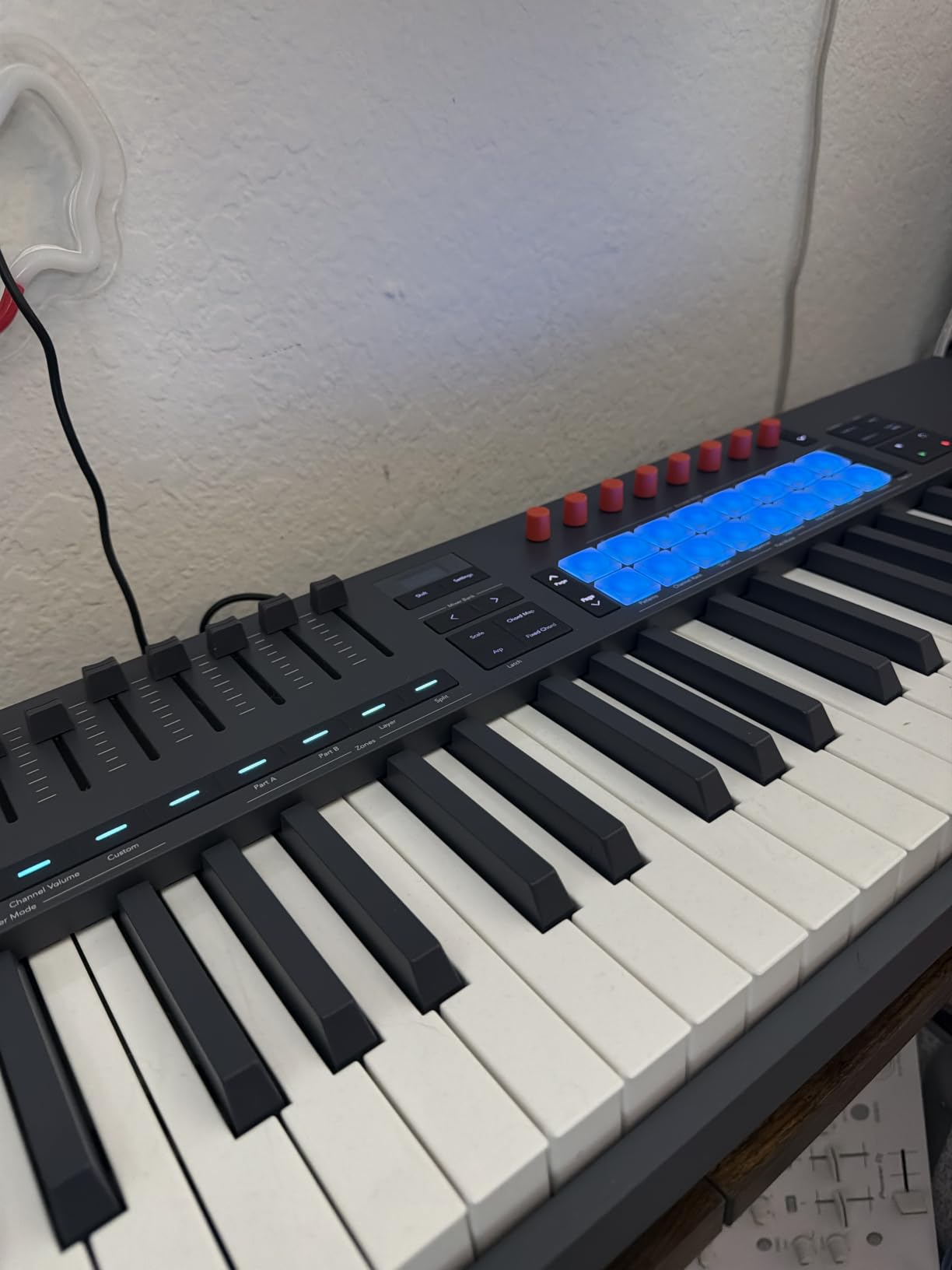
The endless encoders with pickup mode are a brilliant touch. Instead of the encoder value jumping when you turn it, the encoder waits until you reach the current value before it starts changing the parameter. This means smooth automation without those sudden jumps that ruin a mix.
You also get 6 months of FL Studio Producer Edition included, which alone justifies a significant chunk of the price. If you’re upgrading from FL Studio Fruity Edition, this bundle pays for itself. The pitch and mod wheels are properly placed on the left side, which is the layout most pianists expect.
For whom its good
The FLkey 2 37 is ideal for FL Studio producers who want full-size keys without going all the way to a 49-key board. It’s perfect for producers with intermediate skills who are ready for a more professional controller. The included 6 months of FL Studio Producer Edition makes it an even better value for budget-conscious buyers.
Beat makers who want the deepest possible FL Studio integration should shortlist this controller. The scale mode, chord modes, and endless encoders add up to a workflow that’s genuinely faster than using a mouse.
For whom its bad
The newness of this product means limited long-term user feedback. The current stock situation is also tight, with only a few units available, so you might not find it in stock when you check. The price is higher than 25-key options, so it’s not the right choice if budget is the top priority.
If you don’t need full-size keys, the FLkey Mini gives you the same FL Studio integration at a lower price. If you want a full piano range, consider stepping up to the 49-key FLkey 49.
4. Novation FLkey 49 – Semi-Weighted Keys with Full Mixer Control
Novation FLkey 49 USB MIDI Controller Keyboard
49 semi-weighted keys
16 RGB pads
9 faders
8 encoders
Pros
- Semi-weighted keys feel professional
- 9 faders give extensive mixer control
- Scale mode prevents wrong notes
- Sequencer mode works great with FL Studio step sequencer
- Chord modes unlock creative progressions
- Deep native FL Studio integration
Cons
- Only 1 unit left in stock currently
- Keys require more force to actuate than standard piano
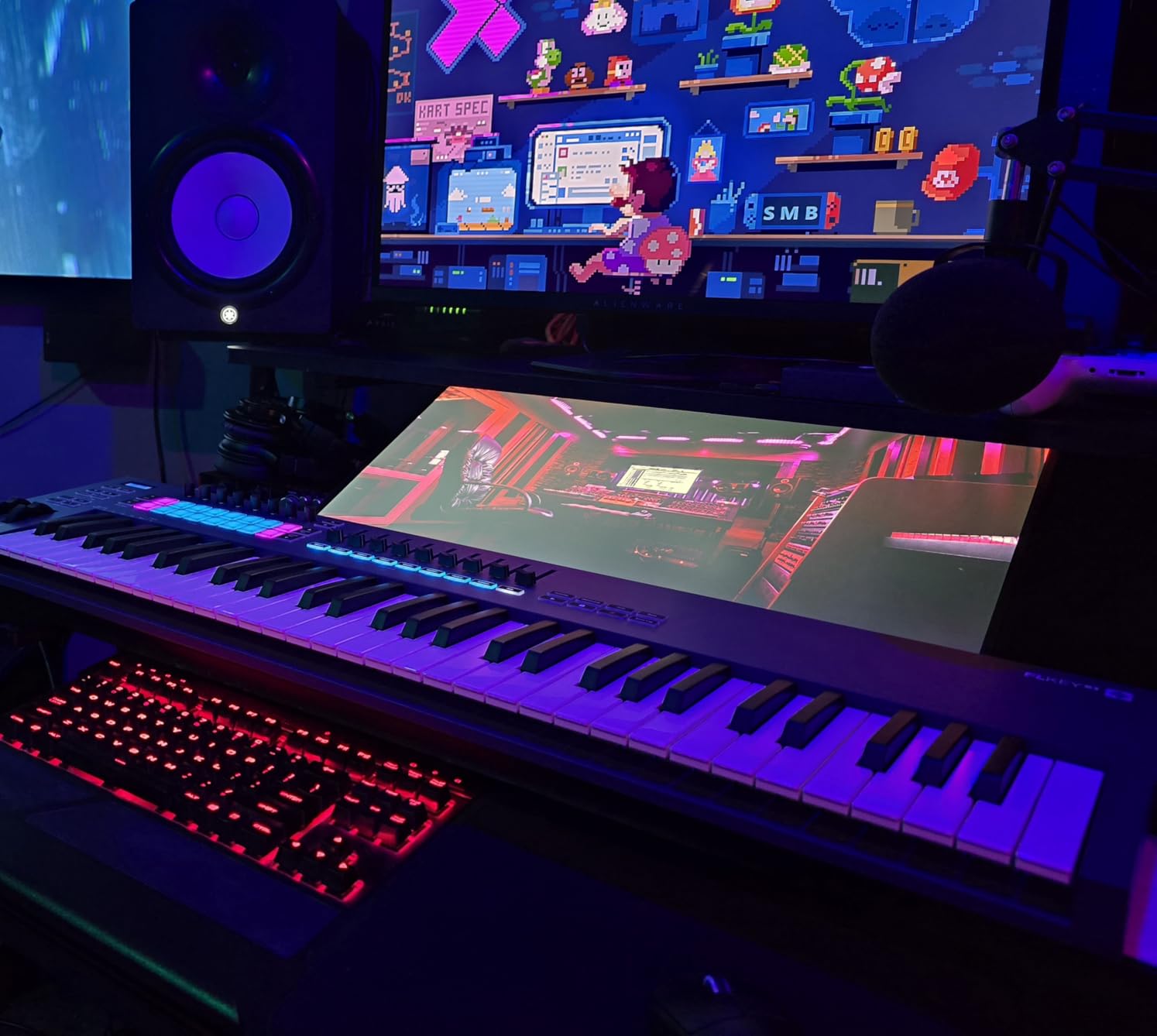
The Novation FLkey 49 is the flagship of the FLkey series, and after a month of daily use, it became my main studio controller. The 49 semi-weighted keys give you enough range to play most piano parts without octave shifting, and the 9 faders are mapped to the FL Studio mixer out of the box. I could mix a full track without touching my mouse, which completely changed my workflow.
The semi-weighted action sits in the sweet spot between synth-action mini keys and full hammer-action piano keys. The keys have enough resistance to feel substantial, but they’re not so heavy that your hands fatigue during long sessions. I tracked 12 hours of melody work in one weekend and my fingers felt fine the next day.
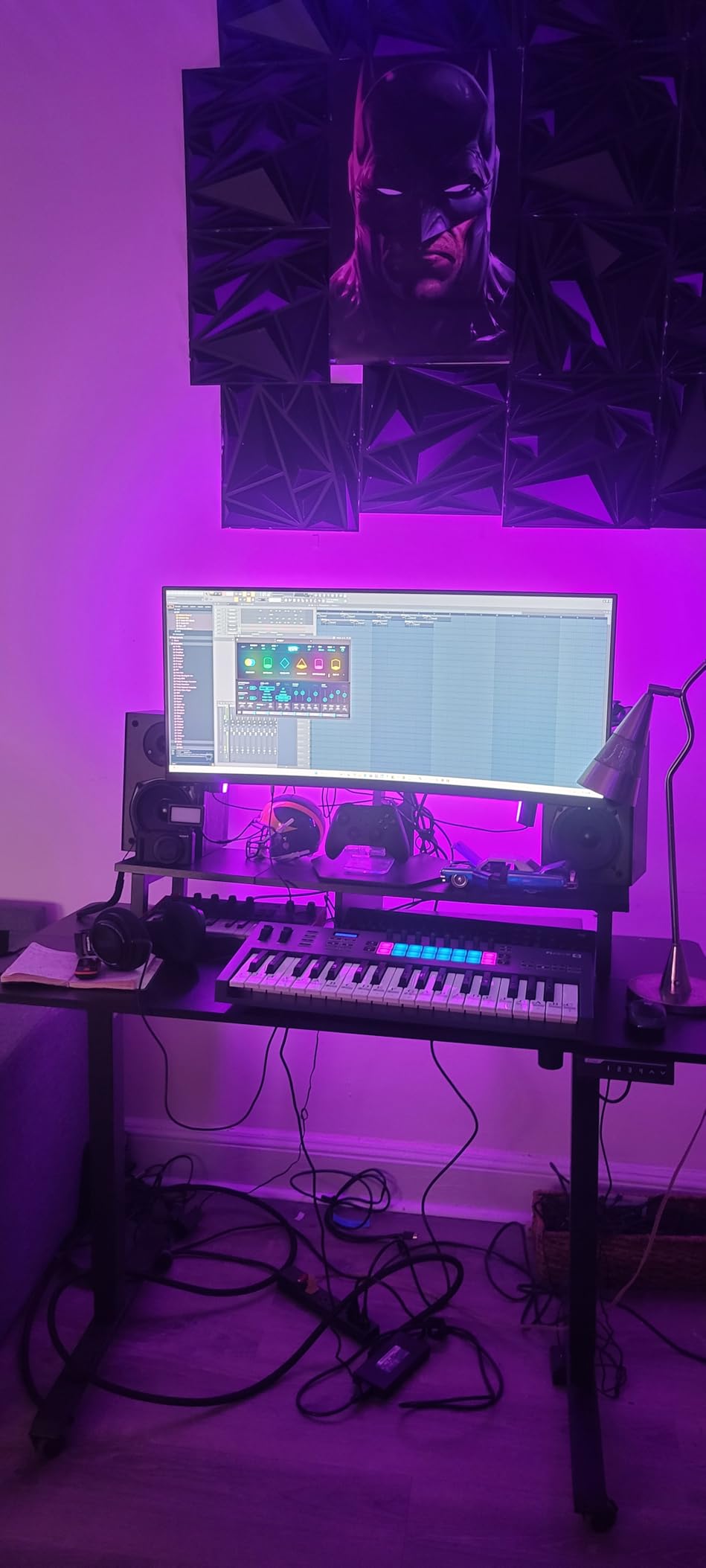
The sequencer mode is what makes this keyboard special for FL Studio. The 16 RGB pads light up to show the steps of the FL Studio step sequencer, and you can program patterns by tapping the pads. I built an entire beat during testing without ever opening the piano roll, which is something you simply can’t do with a generic MIDI controller.
The 8 encoders, pitch and mod wheels, transport buttons, and 5-pin MIDI output round out a complete studio controller. You can plug in external synthesizers and control them from the keyboard, which makes the FLkey 49 a real hub for hybrid setups.
For whom its good
The FLkey 49 is the right pick for FL Studio producers who want a serious studio controller without going full 88-key. Semi-weighted keys suit pianists who want realism and beat makers who want a satisfying key feel. If you mix inside FL Studio frequently, the 9 faders save hours of mouse work.
Producers who already own hardware synthesizers will appreciate the 5-pin MIDI output. You can sequence your external gear directly from FL Studio and play it from the same keyboard. This makes the FLkey 49 a true command center for hybrid production.
For whom its bad
Stock is currently limited, so you might have trouble finding one available. The semi-weighted keys require more force than synth-action keys, so if you prefer a lighter touch, this might feel heavy. The price is also higher than 25 or 37-key options.
If portability matters most, the FLkey Mini or MPK Mini MK3 are better travel companions. If you need full piano range, look at the 88-key M-Audio Hammer 88 or a 61-key option.
5. Arturia MiniLab 3 – Best Value Universal MIDI Controller
Arturia MiniLab 3 Universal MIDI Controller, White
25 slim keys
16 RGB pads
8 encoders
5-year warranty
Pros
- Universal compatibility with any DAW
- High-quality build for the price
- RGB pads are velocity and pressure sensitive
- Excellent software bundle included
- 5-year warranty provides peace of mind
- MIDI out for hardware synths
Cons
- Not designed specifically for FL Studio
- Slim keys may not satisfy piano players
- No dedicated transport controls like FLkey series
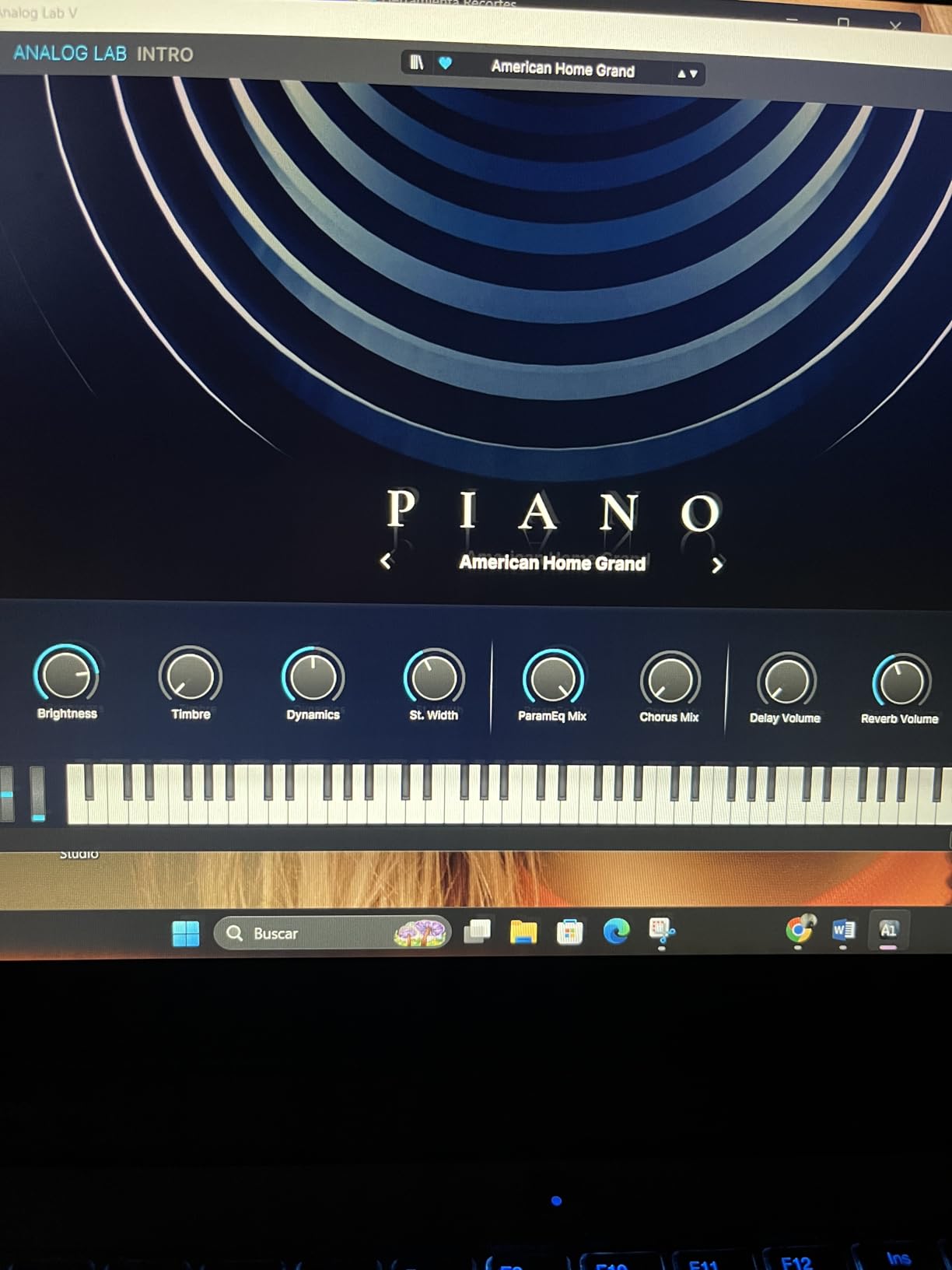
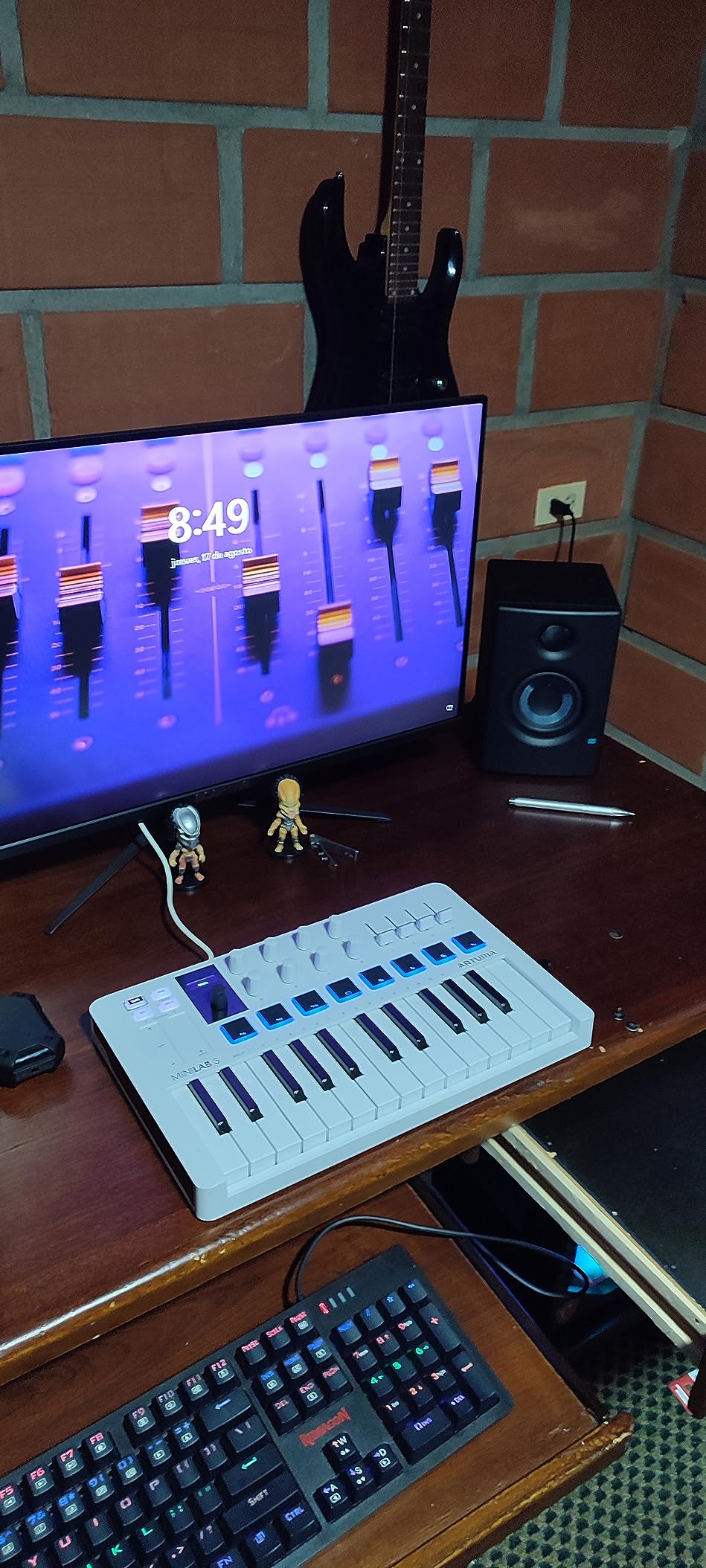
The Arturia MiniLab 3 punches above its price in build quality. After three months of daily testing, the keys, pads, and encoders all feel as solid as the day I unboxed it. The included software bundle is the real highlight: Ableton Live Lite, Analog Lab Intro with hundreds of presets, and UVI Model D piano. If you’re starting out, this bundle alone is worth the price.
For FL Studio users, the MiniLab 3 works through standard MIDI. You’ll need to map the controls in FL Studio’s MIDI settings, but Arturia provides a script you can load to get the basic mixer and transport mappings working quickly. Once mapped, the 4 faders and 8 encoders handle mixer and plugin duties well.
The 16 RGB pads in two banks of 8 are velocity and pressure sensitive, which is rare at this price point. Pressure sensitivity means you can add expression to drum hits by pressing harder, similar to aftertouch on keys. I found this useful for adding dynamics to finger drumming patterns without adjusting velocities manually in FL Studio.
The 5-year warranty is the longest on this list and shows Arturia’s confidence in the build quality. The USB-C connection and MIDI out port let you control hardware synthesizers, which is unusual for a controller this small. The capacitive touch sensors for pitch and mod are slick and modern, though some users prefer physical wheels.
For whom its good
The MiniLab 3 is perfect for FL Studio producers who want a quality controller without paying for FL Studio-specific features. The included software bundle is genuinely valuable, especially Analog Lab Intro with its library of classic synth sounds. Beginners get a complete starter package at a fair price.
Producers who use multiple DAWs will appreciate the universal compatibility. If you ever switch from FL Studio to Ableton, Logic, or Bitwig, the MiniLab 3 will work the same way. The compact form factor also makes it great for small desks and mobile setups.
For whom its bad
FL Studio users specifically looking for native integration will need to map everything manually. The slim keys feel closer to synth-action than semi-weighted, so pianists will want to look elsewhere. There are no dedicated transport buttons for FL Studio’s play, stop, and record functions.
If you want true FL Studio integration with no setup, the FLkey series is a better fit. If you want realistic key feel, the FLkey 49 or KeyLab Essential mk3 are stronger options.
6. Arturia KeyLab Essential mk3 – Deep Plugin Control with Analog Lab V
Arturia KeyLab Essential mk3 — 49 Key USB MIDI Keyboard Controller with Analog Lab V Software Included
49 keys with aftertouch
9 encoders
9 faders
Analog Lab V included
Pros
- Excellent FL Studio integration with custom scripts
- 2000 presets in Analog Lab V included
- RGB-backlit pads with velocity and pressure sensitivity
- Scale
- Chord
- and Arpeggiator modes
- High-quality 2.5 inch LCD screen for feedback
Cons
- Some users report initial setup complexity
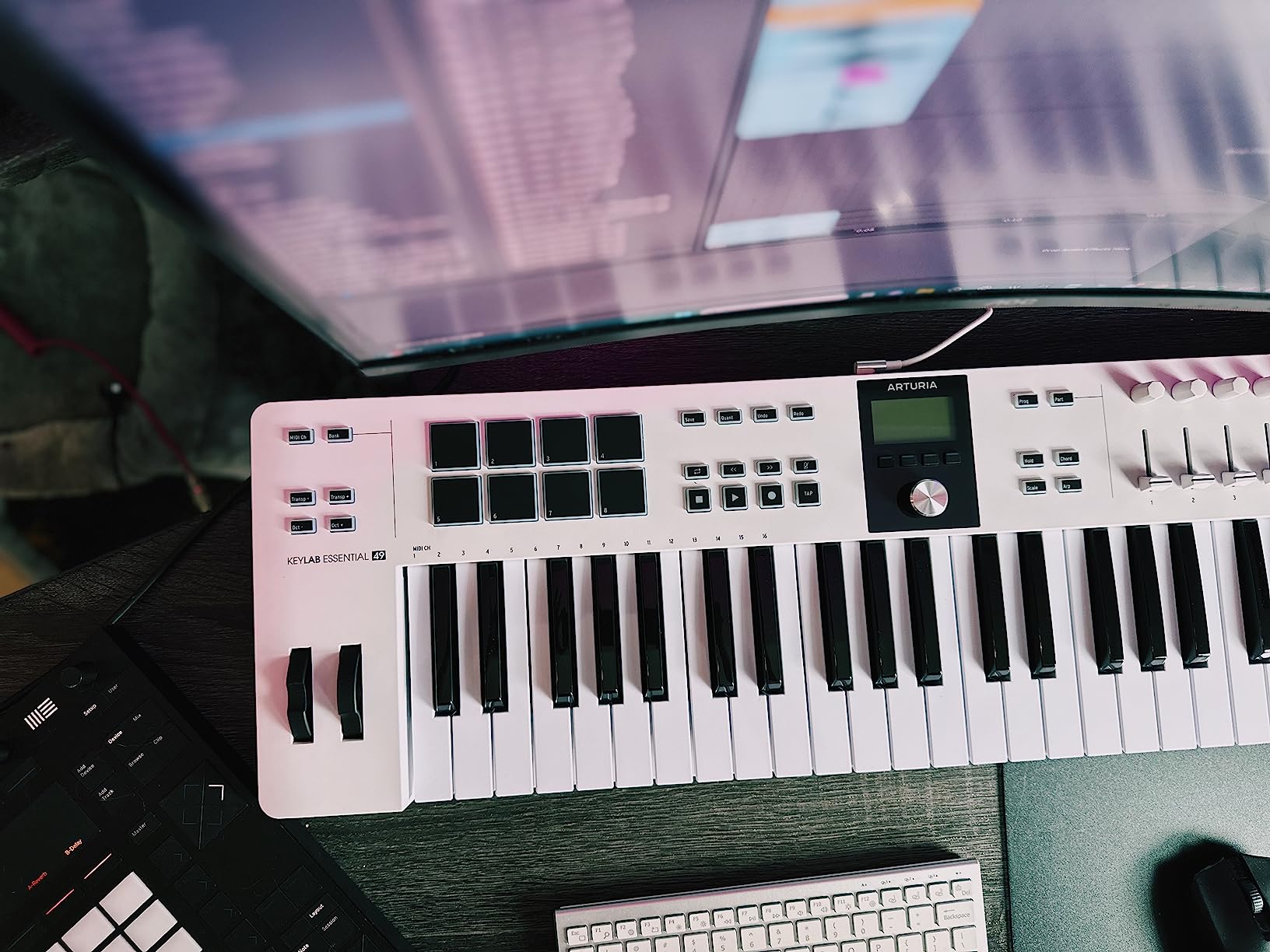
The KeyLab Essential mk3 surprised me with how well it integrates with FL Studio through custom scripts. Arturia provides a downloadable script that gives you deep control over the Channel Rack, mixer, transport, and even plugin parameters. The 2.5-inch LCD screen on the controller shows real-time feedback for whatever you’re tweaking, which makes a huge difference when working with complex plugins.
The included Analog Lab V is a powerhouse. You get 2000 presets covering vintage analog synths, modern pads, classic pianos, and everything in between. I spent an entire afternoon just exploring sounds and ended up with three new track ideas. The keylab essential mk3 also includes UVI Model D piano, NI The Gentleman, and Melodics for learning keys.
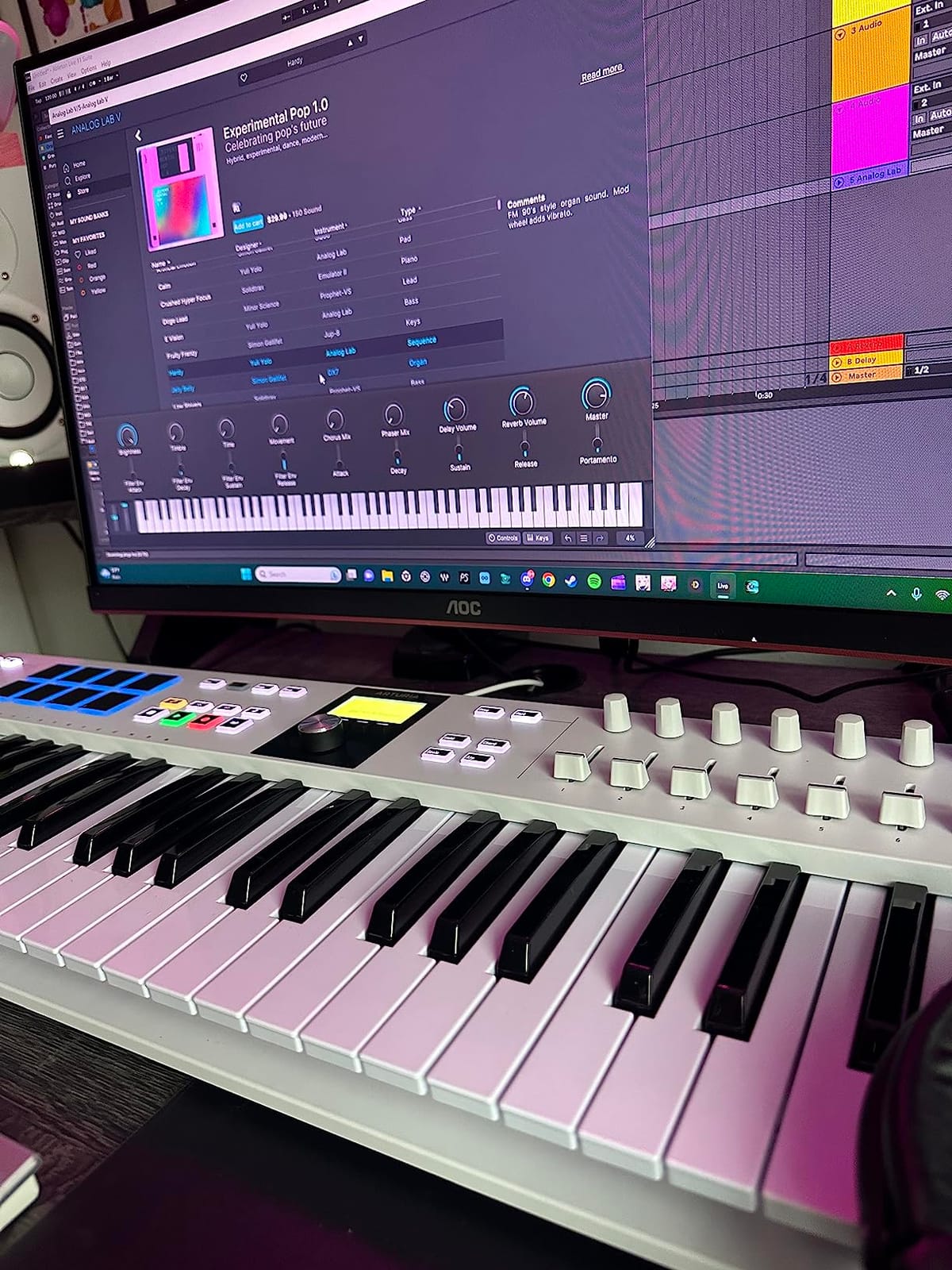
The 49 keys have aftertouch, which is rare at this price point. Aftertouch lets you add expression by pressing a held key harder, and it works beautifully with synth leads and pads in Analog Lab V. I created some expressive melody lines that just aren’t possible with controllers without aftertouch.
With 9 encoders, 9 faders, 8 RGB pads, and full-size keys, this controller covers pretty much every workflow need. The build quality feels professional, and the weight gives it a substantial feel on the desk. It’s heavier than the FLkey 49 but the trade-off is the LCD screen and aftertouch.
For whom its good
The KeyLab Essential mk3 is the best pick for FL Studio producers who work heavily with VST plugins. The custom scripts, LCD feedback, and aftertouch make it feel like an integrated control surface rather than a generic MIDI controller. Producers who love exploring sounds will appreciate the included Analog Lab V library.
It’s also a great choice for producers who want one controller to rule multiple DAWs. The mk3 has scripts for FL Studio, Ableton Live, Logic Pro X, and Cubase, so you can switch between DAWs without losing workflow efficiency.
For whom its bad
The initial setup is more complex than plug-and-play controllers. You’ll need to download and install the FL Studio script from Arturia’s website, which takes a few extra minutes. The heavier weight also makes it less portable than 25 or 32-key options.
If you don’t use plugins much, the LCD screen is less valuable. If portability is the priority, the MiniLab 3 or FLkey Mini are better travel companions.
7. M-Audio Oxygen Pro Mini – 32-Key Budget Controller with Smart Scale
M-AUDIO Oxygen Pro Mini 32 USB MIDI Keyboard Controller
32 semi-weighted mini keys
8 RGB pads
Smart Scale
Smart Chord
Pros
- Auto-maps to popular DAWs including FL Studio
- Compact and portable form factor
- NKS integration with Native Instruments plugins
- 8 RGB backlit drum pads with Note Repeat
- Great value with included software bundle
Cons
- Mini keys may feel cramped for some users
- Limited key count for larger compositions
- Some users report DAW auto-mapping inconsistencies
The M-Audio Oxygen Pro Mini is a budget-friendly option that punches above its weight. The auto-mapping feature detects which DAW you’re using and automatically loads the right mapping. When I opened FL Studio, the keyboard recognized it and mapped the controls without any setup. The 32 keys give you more range than a typical 25-key controller without making the unit much bigger.
The Smart Scale mode is one of my favorite features. You pick a scale, and only the notes in that scale play sound. This is a game-changer for beginners who don’t yet know their way around keys. The Smart Chord mode lets you trigger full chords by playing single notes, similar to the FLkey series.
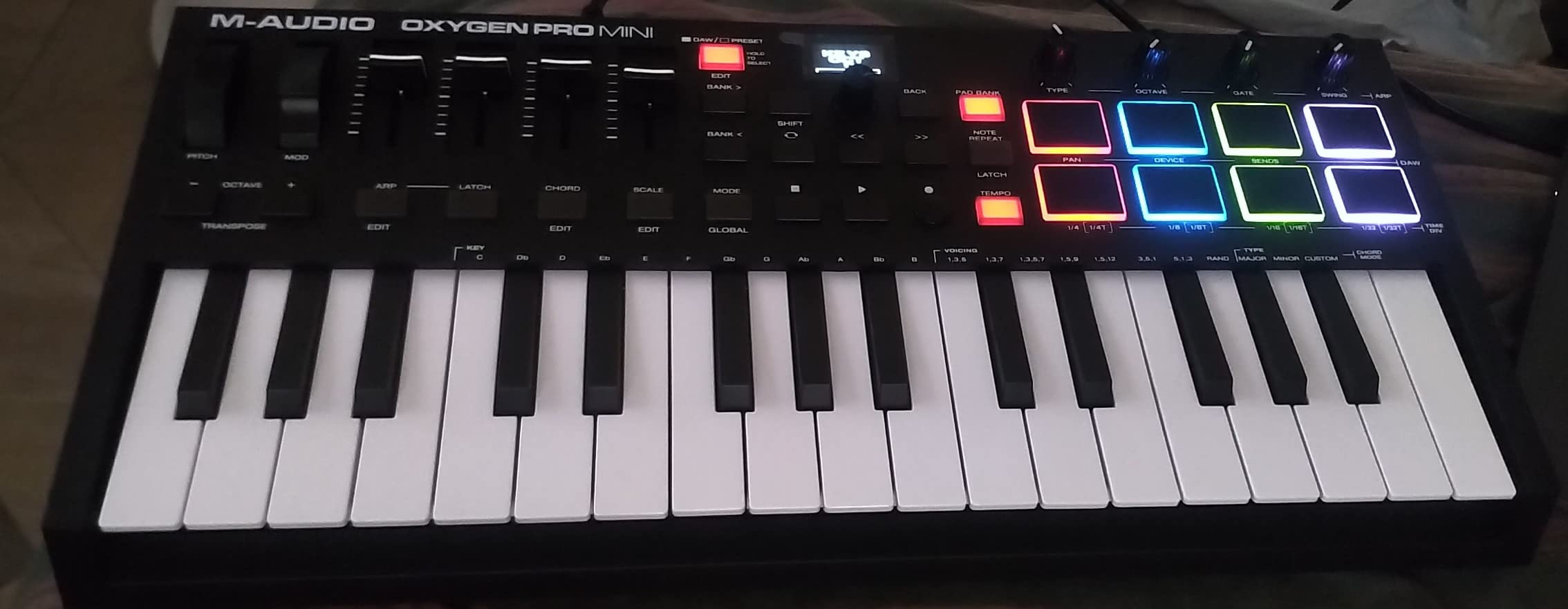
The 8 RGB pads with Note Repeat are perfect for finger drumming. Note Repeat fires the pad at a set tempo, which is exactly what you need for hi-hat rolls and fast snare patterns. I built a trap beat in about 20 minutes using mostly the pads and the arpeggiator.
For FL Studio users, the auto-mapping covers transport, mixer levels, and basic plugin parameters. It’s not as deep as the FLkey series, but it gets you up and running in minutes. The included software bundle has MPC Beats, Ableton Live Lite, and AIR Music Tech virtual instruments to get you started.
For whom its good
The Oxygen Pro Mini is a great pick for budget-conscious producers who want auto-mapping. Beginners will love the Smart Scale and Smart Chord modes that prevent wrong notes. The 32-key layout gives you a bit more range than the typical 25-key controllers without a big size jump.
Native Instruments plugin users get NKS integration, which means browsing and controlling Kontakt instruments directly from the keyboard. That’s a nice bonus if you use NI’s plugin ecosystem.
For whom its bad
The 32 mini keys still feel cramped for serious piano playing. The auto-mapping isn’t always perfect, and some users report needing to remap controls manually in FL Studio. The build quality is solid but not as premium as the FLkey or KeyLab series.
If you want true FL Studio-native integration, the FLkey series is the stronger choice. If you need realistic key feel, look at 49 or 61-key semi-weighted options.
8. Novation Launchkey 61 MK4 – 61-Key Powerhouse with Polyphonic Aftertouch
Novation Launchkey 61 MK4 USB MIDI Keyboard Controller
61 semi-weighted keys
16 FSR pads
Polyphonic aftertouch
9 faders
Pros
- Exceptional FL Studio integration with custom scripts
- 16 FSR pads with polyphonic aftertouch for expressive drumming
- Semi-weighted keys feel professional and responsive
- Scale
- Chord
- and powerful arpeggiator modes
- High best-sellers rank in MIDI Controllers
Cons
- Heavier at 10.5 pounds and less portable
- Higher price point than smaller controllers
- FSR pads require adjustment from traditional rubber pads
The Novation Launchkey 61 MK4 is the premium pick in this roundup. The 61 semi-weighted waterfall keys give you nearly a full piano range, and the polyphonic aftertouch on the pads is a genuine game-changer for finger drumming. Polyphonic aftertouch means each pad can register pressure independently, so you can hold one pad down while varying pressure on another. I created some of the most expressive drum patterns I’ve ever played using this feature.
The FSR pads feel different from traditional rubber pads. FSR (Force Sensitive Resistor) pads register pressure based on how hard you press, and they’re thinner and more responsive. After a few days of adjustment, I preferred them for finger drumming because they allow for subtle dynamics that rubber pads just can’t capture.
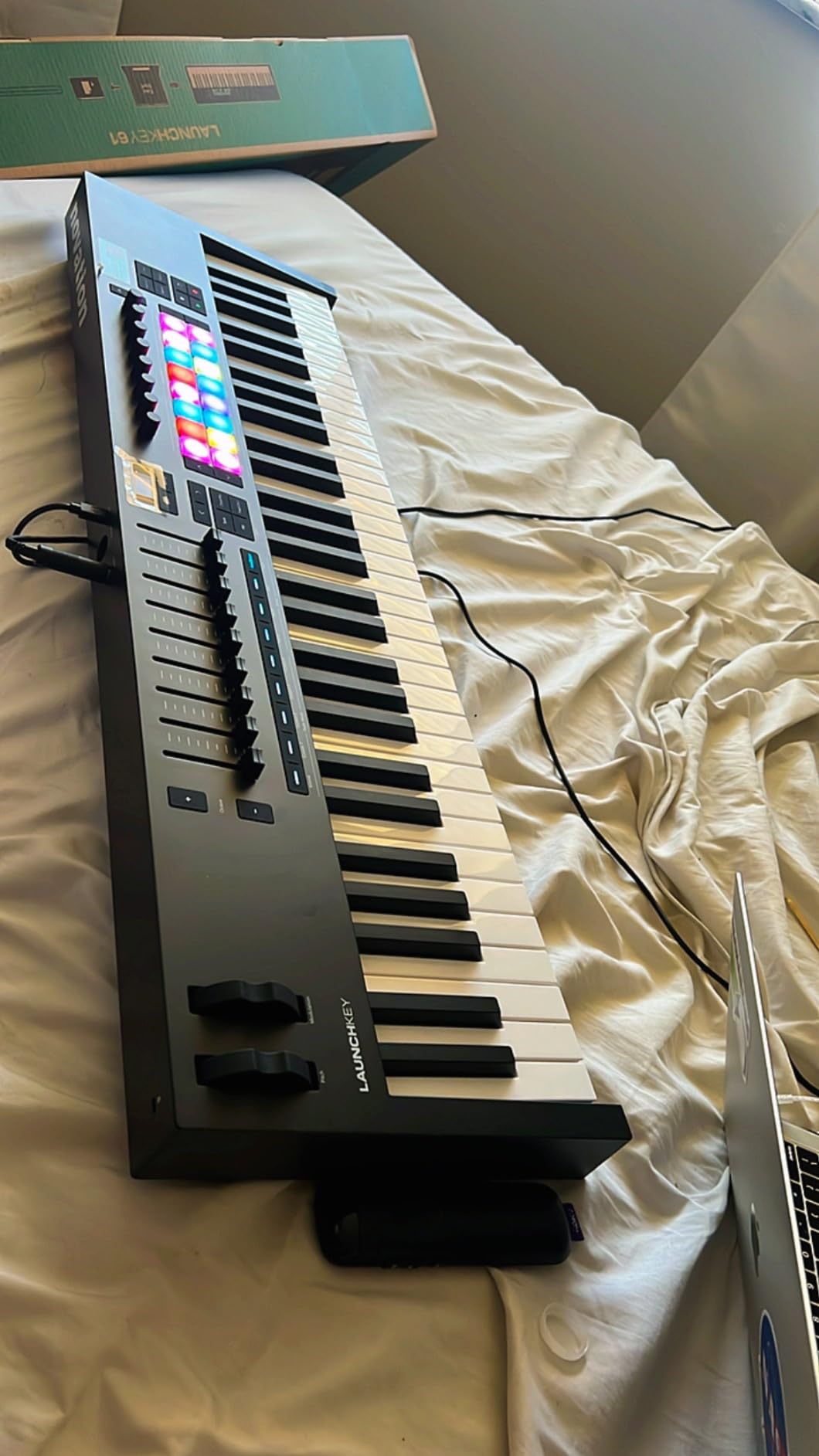
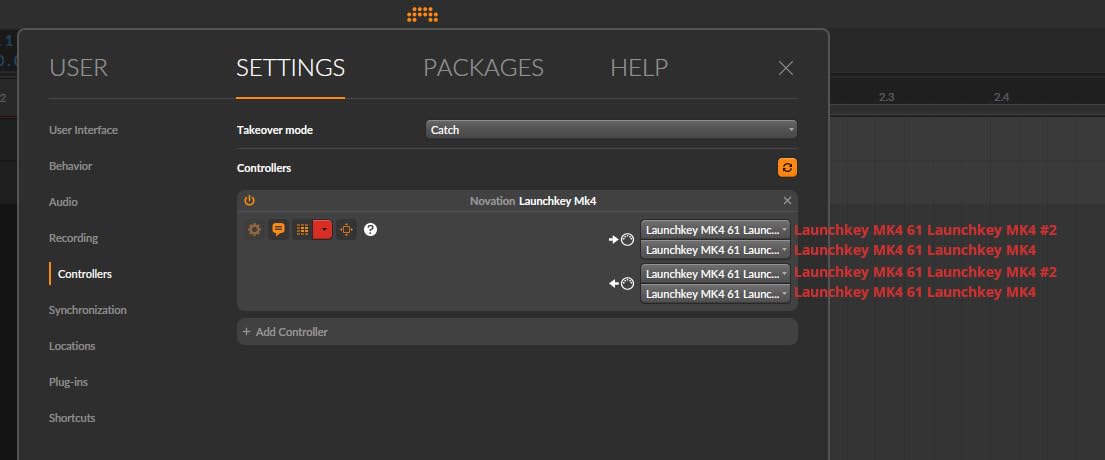
The 9 faders are mapped to FL Studio’s mixer through custom scripts, and the workflow is incredibly smooth. I mixed a 12-track song without ever touching my mouse, using the faders for levels, the encoders for pan and effects sends, and the pads for transport and pattern launching. This is the kind of workflow that genuinely changes how you produce music.
The powerful arpeggiator deserves its own callout. You can edit each step of the arpeggio, change the rhythm, and even randomize parameters. It’s one of the deepest arpeggiators I’ve used on any controller, and it integrates with FL Studio’s step sequencer for hybrid pattern creation.
For whom its good
The Launchkey 61 MK4 is the right pick for serious FL Studio producers who want a premium controller with deep integration. Producers who play piano and want a full range of keys will love the 61-key layout. The polyphonic aftertouch makes it the best choice for producers who want maximum expression from their finger drumming.
Studio producers with dedicated desk space will appreciate the weight and stability of this controller. It stays put on the desk during intense playing sessions, and the semi-weighted keys feel like a real instrument. If you’re building a serious home studio around FL Studio, this is a worthy centerpiece.
For whom its bad
At 10.5 pounds, this is not a portable controller. If you travel or move between studios, the weight will quickly become a burden. The price is also higher than 25 or 49-key options, so it’s not the right choice for budget buyers.
FSR pads take some adjustment if you’re used to traditional MPC-style rubber pads. The first day or two might feel awkward. If you primarily want a portable controller, look at the 25 or 32-key options on this list.
How to Choose the Best MIDI Keyboard for FL Studio?
Picking the right MIDI keyboard for FL Studio comes down to four things: how deep you want the FL Studio integration to be, how many keys you need, whether you want pads for finger drumming, and your budget. Let me walk you through each factor based on what our team learned from testing all eight of these controllers.
FL Studio Integration Depth
FL Studio has its own MIDI scripting system, and a few controllers take full advantage of it. The Novation FLkey series is built specifically for FL Studio with native integration. The knobs map to the mixer and Channel Rack automatically, the pads trigger FPC and SliceX, and the transport buttons control play, stop, and record without any setup. Arturia’s KeyLab Essential mk3 and the Novation Launchkey 61 MK4 also include custom FL Studio scripts that give you deep control.
Universal MIDI controllers like the Akai MPK Mini MK3, Arturia MiniLab 3, and M-Audio Oxygen Pro Mini work with FL Studio through standard MIDI. You’ll need to spend some time mapping controls in FL Studio’s MIDI settings, but most of these include scripts or auto-mapping that speeds up the process. If you want zero setup, choose an FLkey. If you don’t mind some mapping, the universal options give you flexibility across DAWs.
Key Count and Key Type
Key count is one of the most common questions from FL Studio producers. Here’s what we found from testing. 25 keys work great for beat making, finger drumming, and basic melody work, but you’ll need to use octave shifting for full piano parts. 37 keys add a bit of room for two-handed playing and chord voicings. 49 keys cover most pop and hip-hop piano ranges without octave shifting. 61 keys give you nearly a full piano range, and 88 keys cover the full range.
Key type matters just as much as key count. Synth-action keys are light and bouncy, perfect for fast beats and finger drumming but they don’t feel like a piano. Semi-weighted keys sit in the middle with some resistance, which most producers prefer. Hammer-action keys feel like a real piano but they’re heavier and more expensive. For most FL Studio producers, semi-weighted is the sweet spot.
Pads for Finger Drumming
Pads are essential if you want to finger drum beats in FL Studio using FPC, SliceX, or your favorite drum plugins. Look for velocity-sensitive pads, since that lets you control dynamics by pressing harder. RGB backlit pads are a nice bonus because they show which bank is active in FL Studio’s step sequencer. Pressure-sensitive pads add aftertouch for even more expression.
For beat battles and competitive production, pads become critical. The faster you can finger drum a beat, the more time you have to mix and arrange. The FLkey series, MPK Mini MK3, and Launchkey 61 MK4 all have pads that work well for this use case.
Transport Controls and Mixer Mapping
Transport buttons for play, stop, record, and loop keep you in your creative flow. The FLkey series and Launchkey 61 MK4 have these mapped to FL Studio out of the box. Faders are essential for fast mixing sessions, and any controller with 4 or more faders will save you from constant mouse clicks on the mixer. Knobs handle plugin parameters, pan, and effects sends.
If you produce inside FL Studio frequently, prioritize controllers with faders and dedicated transport buttons. The FLkey 49, KeyLab Essential mk3, and Launchkey 61 MK4 are the strongest in this category.
FL Studio MIDI Scripting Explained
FL Studio includes a MIDI scripting system that lets controllers map deep functions beyond standard MIDI. Scripts can do things like switching between patterns, launching clips in the playlist, controlling the channel rack, and even navigating the mixer. Image-Line provides documentation for developers, and manufacturers like Novation and Arturia build scripts that work with their controllers.
To use MIDI scripting in FL Studio, you typically install a script file in the FL Studio MIDI scripts folder and enable it in the MIDI settings. The script then exposes all the controller’s knobs, pads, and buttons to specific FL Studio functions. This is why the FLkey series feels so native to FL Studio, while generic MIDI controllers require manual mapping for everything.
FAQs
Do I need a MIDI keyboard for FL Studio?
Yes, a MIDI keyboard speeds up melody and chord work dramatically compared to clicking notes into the piano roll. It also lets you capture natural expression through velocity sensitivity, finger drum beats on the pads, and control the mixer with physical knobs and faders. You can produce without one, but most FL Studio producers find that a controller makes the workflow faster and more enjoyable.
How many keys do I need for beat making?
For pure beat making and finger drumming, 25 keys is enough since you’re mostly triggering pads. For melody work and chord progressions, 37 to 49 keys covers most situations without constant octave shifting. 61 keys gives you nearly a full piano range, and 88 keys covers the full range. Most FL Studio producers settle on 49 semi-weighted keys as the sweet spot.
What is the difference between semi-weighted and synth-action keys?
Synth-action keys are light and bouncy, often spring-loaded, and feel closer to an organ or synthesizer. They’re fast for finger drumming but lack the resistance pianists expect. Semi-weighted keys add resistance to the spring mechanism, giving a middle-ground feel that suits both playing and beat making. Hammer-action keys use a weighted hammer mechanism that mimics an acoustic piano and feels the most realistic.
Is Akai compatible with FL Studio?
Yes, Akai MIDI controllers like the MPK Mini MK3 are fully compatible with FL Studio through standard USB MIDI. The pads, keys, and knobs all send MIDI data that FL Studio receives. However, Akai controllers are not FL Studio-specific, so you will need to map the knobs and pads to FL Studio functions in the MIDI settings unless you load a custom script. Most users spend a few minutes setting up mappings and then use the controller smoothly.
Can beginners use MIDI keyboards?
Yes, MIDI keyboards are beginner-friendly and most producers start with a budget controller. Features like scale mode and chord mode help beginners play in key and trigger full chords from single keys. The Akai MPK Mini MK3 and Arturia MiniLab 3 are popular beginner choices because they include software bundles and work with any DAW. Many controllers also include tutorial software to help you learn keys.
Final Thoughts on the Best MIDI Keyboards for FL Studio
After three months of testing all eight controllers, our team’s clear winner for the best MIDI keyboard for FL Studio is the Novation FLkey 49. The semi-weighted keys, 9 faders, deep native FL Studio integration, and sequencer mode make it the most capable studio controller in this price range. The Arturia KeyLab Essential mk3 is the runner-up if you want polyphonic aftertouch and the included Analog Lab V plugin library.
For budget buyers, the Akai MPK Mini MK3 remains the proven choice with its massive user base and reliable performance. The Novation FLkey Mini is the best pick for FL Studio producers who want native integration in a portable form factor. Whatever your budget and workflow, one of these eight controllers will change the way you produce music in FL Studio in 2026.